Confirmation of delivered scope
Each item below is live in the application, covering the data model, the day-to-day screens and the printed documents patients and payers receive.
-
ADA CDT procedure codes on services and treatments
DeliveredA
cdt_codefield lives on every service and carries through to treatment plan items and invoice lines, so clinics price, chart and bill on the same code the payer expects.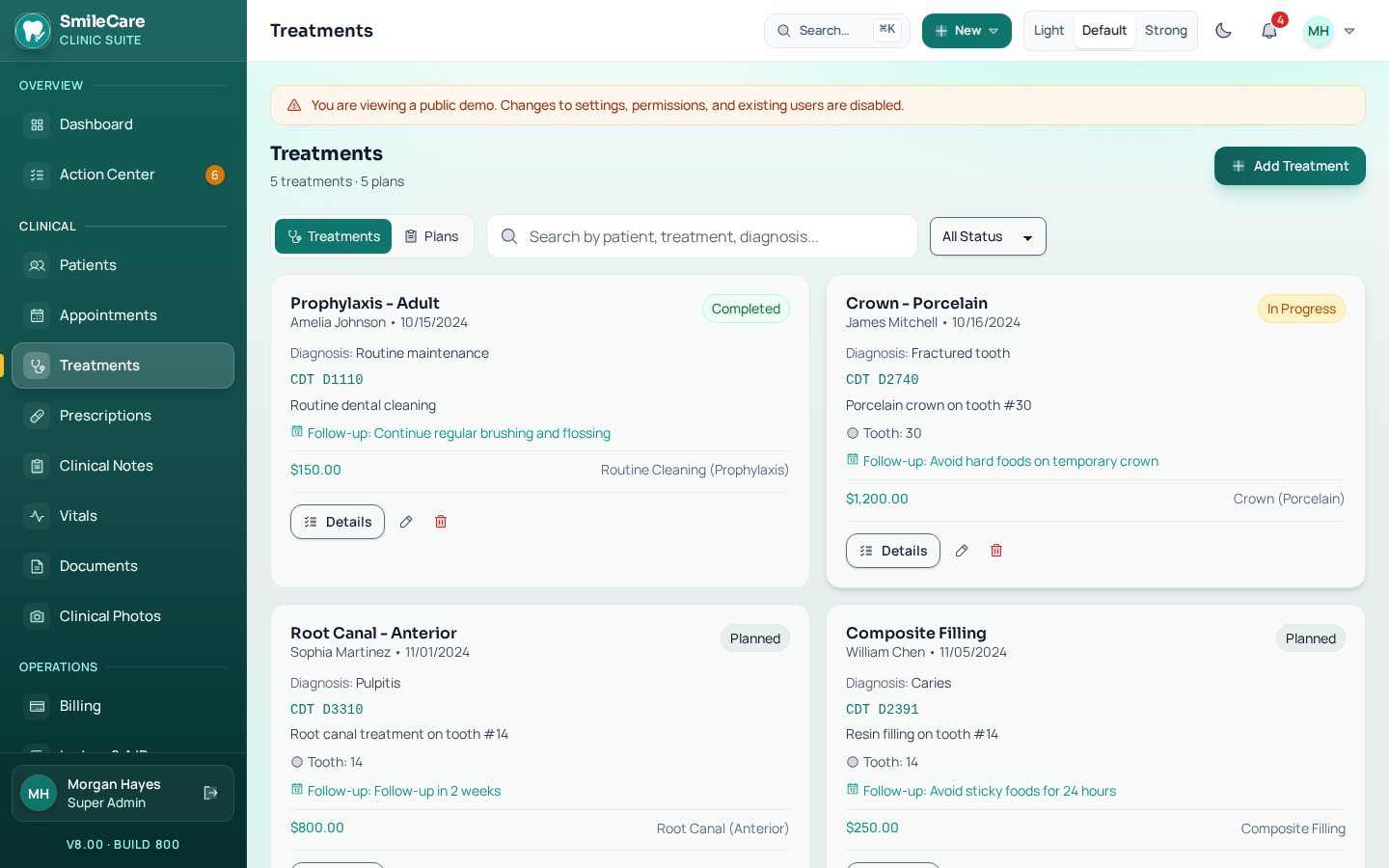
- CDT code captured and validated on the service catalogue.
- Code inherited automatically by treatment plan items and invoice lines.
- Starter CDT set shipped in the services seed data.
- Codes printed on invoices, quotations and case presentations.
D0120D0210D1110 D1206D2140D2740 D3310D4341D7140 -
Insurance plan record per patient
DeliveredInsurance is stored on the patient, not buried on a single invoice, so every new visit starts from the plan already on file.
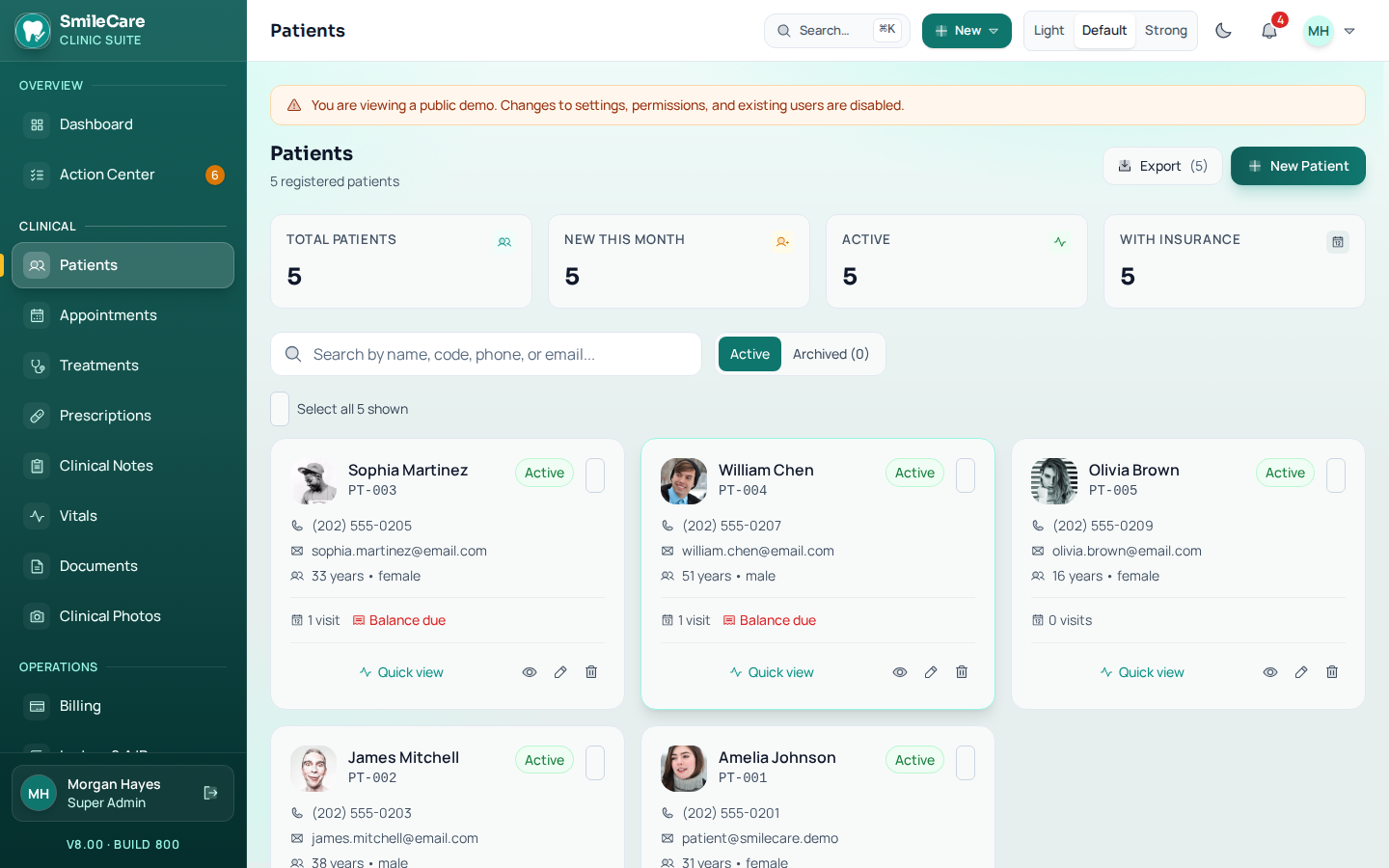
- Carrier, member ID, group number, subscriber name and relationship.
- Plan type (PPO / HMO / Discount), annual maximum, deductible and plan-year reset date.
- Invoices auto-fill from the patient plan at creation time.
- “Benefits remaining” calculated and shown on the patient header.
-
Superbill / claim-ready printout
DeliveredA dedicated print document built from the branded template — the sheet patients submit for out-of-network reimbursement, without needing an EDI clearinghouse.
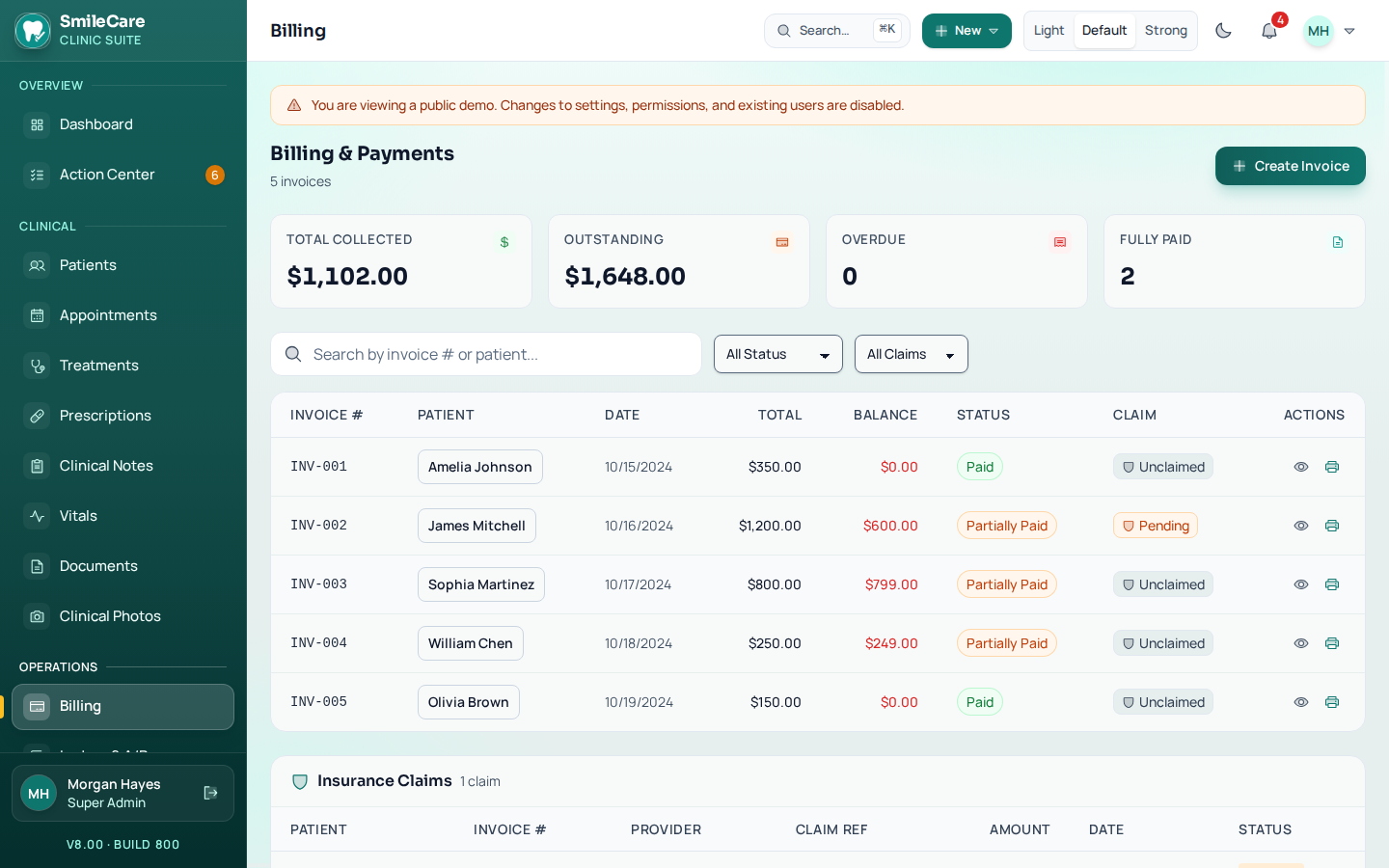
- Rendering provider NPI, clinic Group NPI and Tax ID / EIN in the header.
- Place-of-service code and date of service on every claim.
- CDT lines with tooth, surface and fee in a diagnosis-free dental layout.
- Separate patient and subscriber blocks with balance and payments applied.
-
Provider identifiers
DeliveredIdentifiers are captured once against the doctor and the clinic, then printed wherever a payer or pharmacy needs to see them.
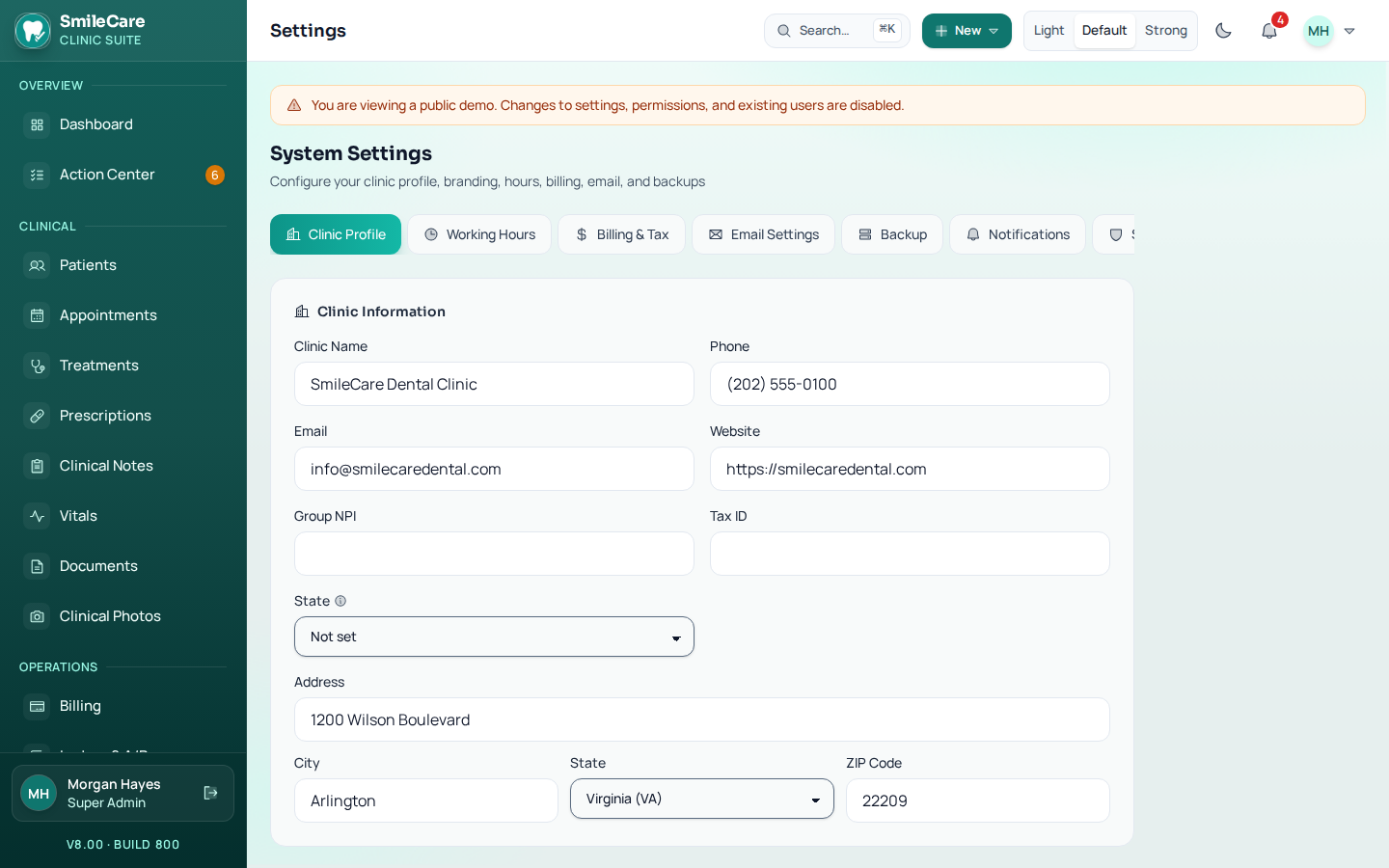
- Individual NPI and state license number on each doctor record.
- Clinic-level Group NPI and Tax ID / EIN in settings.
- DEA number stored against prescribing providers.
- DEA and NPI printed in the prescription header.
-
HIPAA-facing trust surface
DeliveredThe controls already enforced by the system — audit logging, role-based access and session timeout — are packaged into a panel staff and auditors can actually read. See our full HIPAA compliance guide for what this covers and what's still your practice's responsibility.
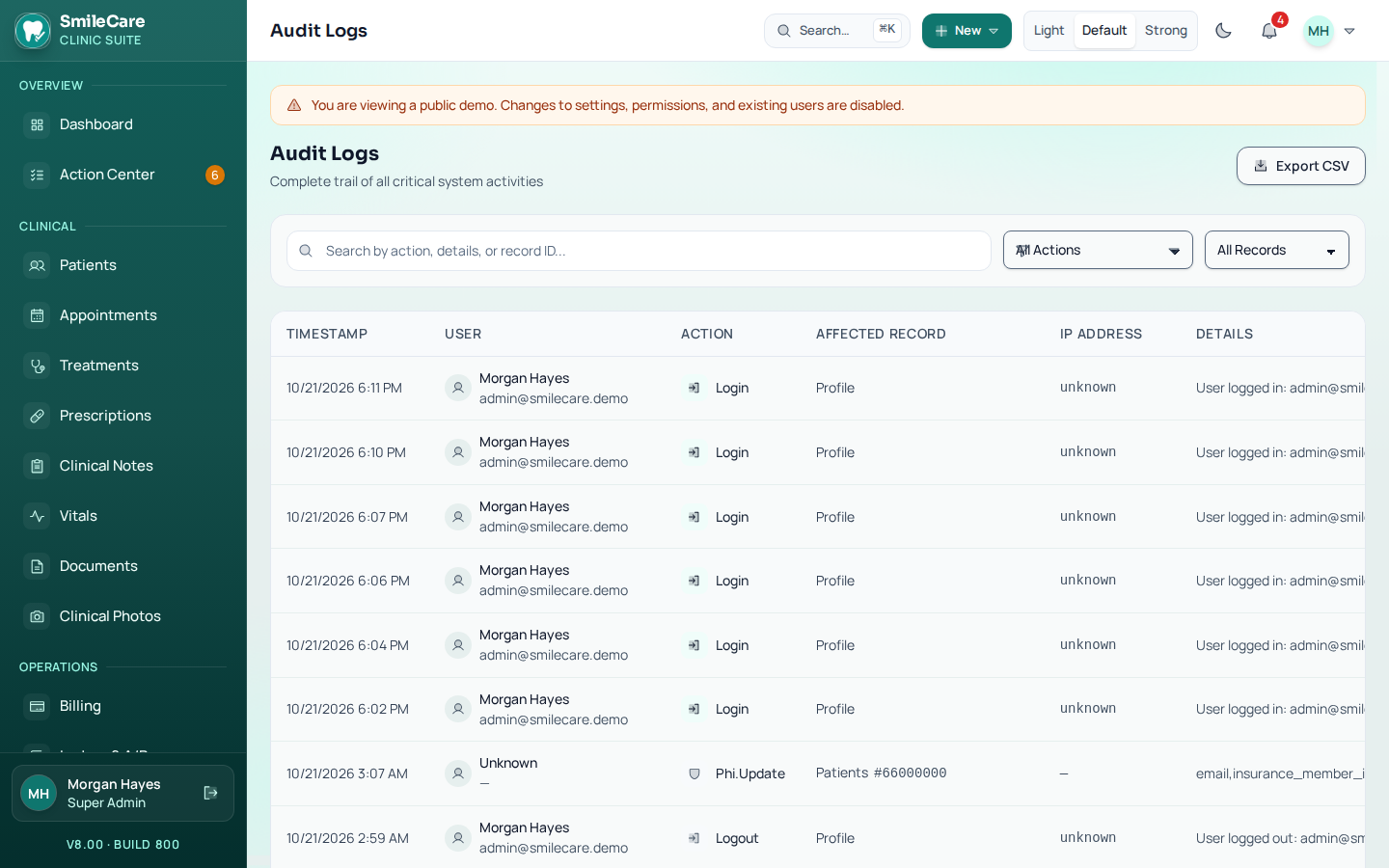
- Compliance panel under Settings summarising audit retention, session policy and access controls.
- Printable Notice of Privacy Practices with acknowledgement captured during intake.
- Patient authorization-to-release-records form.
- Every acknowledgement and disclosure written to the audit trail.
-
Accessibility pass (WCAG 2.1 AA)
DeliveredA full audit and remediation sweep across the clinical, front-desk and admin modules, verified with automated axe-core scans.
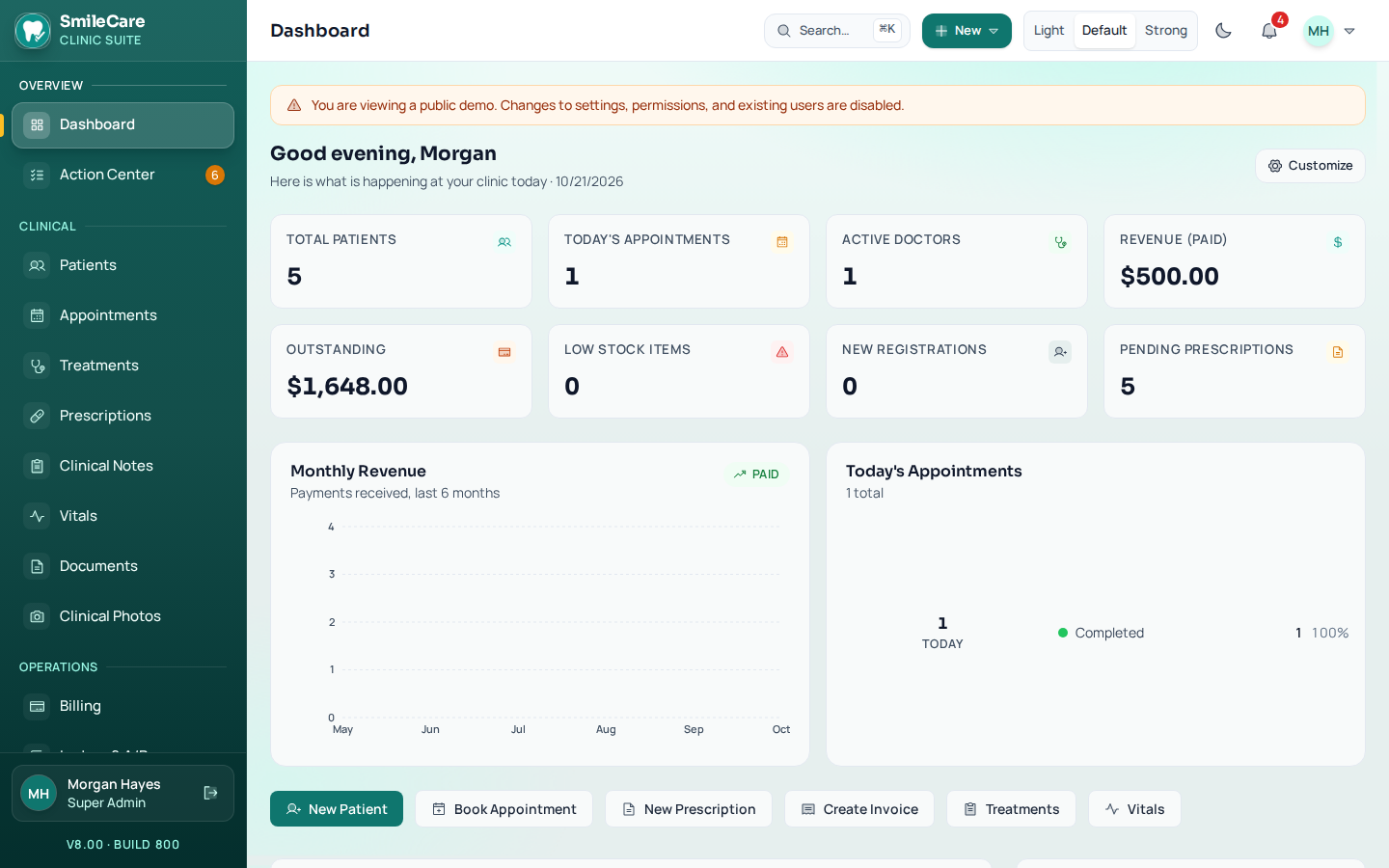
- Dialogs with proper roles, focus trap, Escape-to-close and focus restore.
- Every input, select and text area programmatically linked to its label.
- Accessible names on all icon-only buttons; 44×44 minimum tap targets.
- Skip link, single main landmark and polite live regions for toasts.
- Text and status colours darkened to AA contrast; colour never the only signal.
Practice standards in the software
The controls below are enforced by the application. They are not a certification, and they do not replace the clinic's own agreements.
-
Authenticator sign-in, recovery codes and break-glass
DeliveredSign-in can require an authenticator app, with one-time recovery codes issued for the days a phone is lost or replaced. A break-glass opening is available when a clinician genuinely needs a record, and it requires a reason.
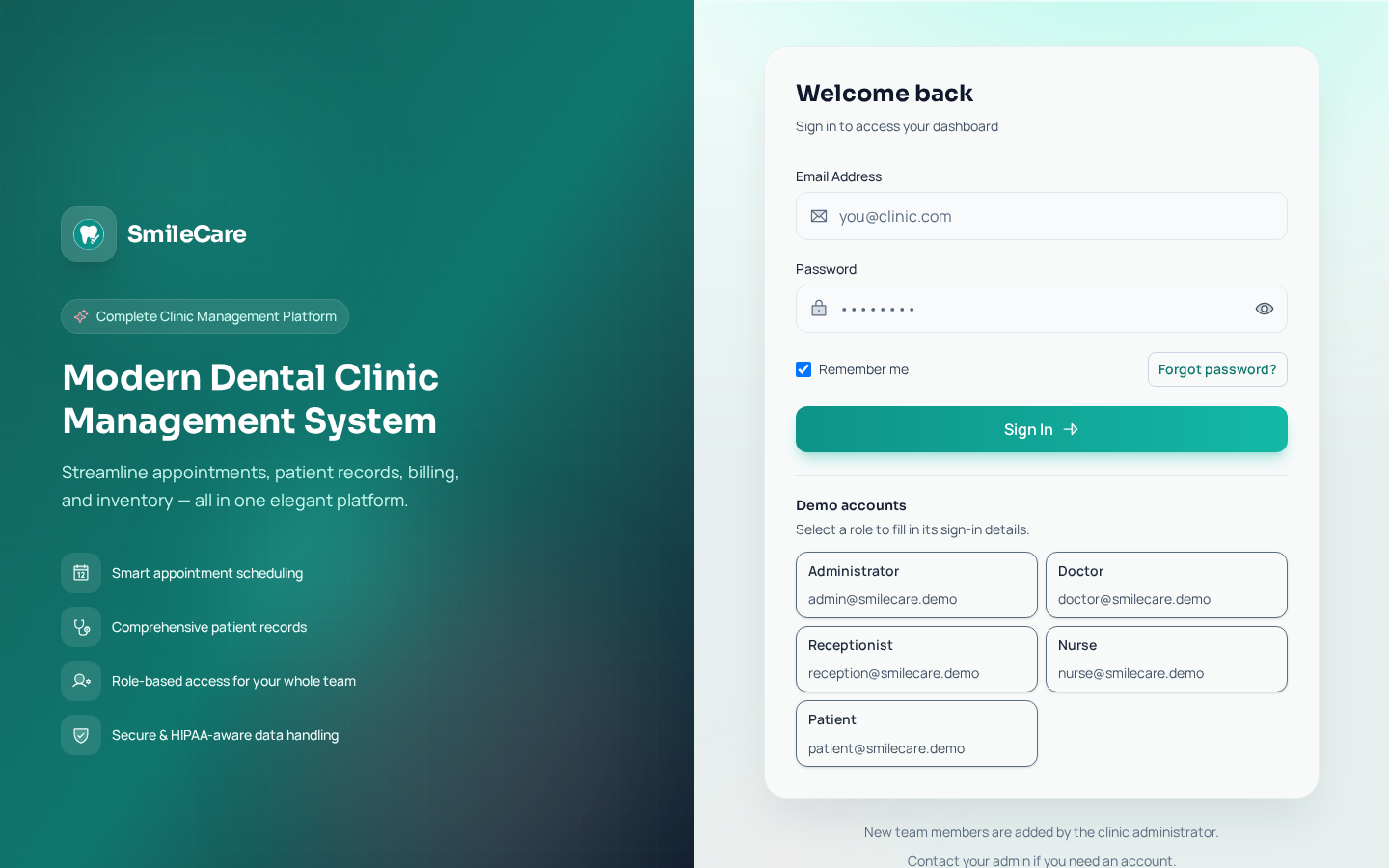
- Authenticator app sign-in, with one-time recovery codes.
- Break-glass access requires a reason and is written to the audit trail.
- Five roles share the clinic: administrator, doctor, receptionist, nurse, and patient.
- Session control and sign-out across every device.
-
Masked identifiers, revealed only by a permitted person
DeliveredMember ID and Social Security number stay masked on the record until somebody with permission reveals them. Guardians and minors are held on the chart, including who may consent on a patient's behalf.
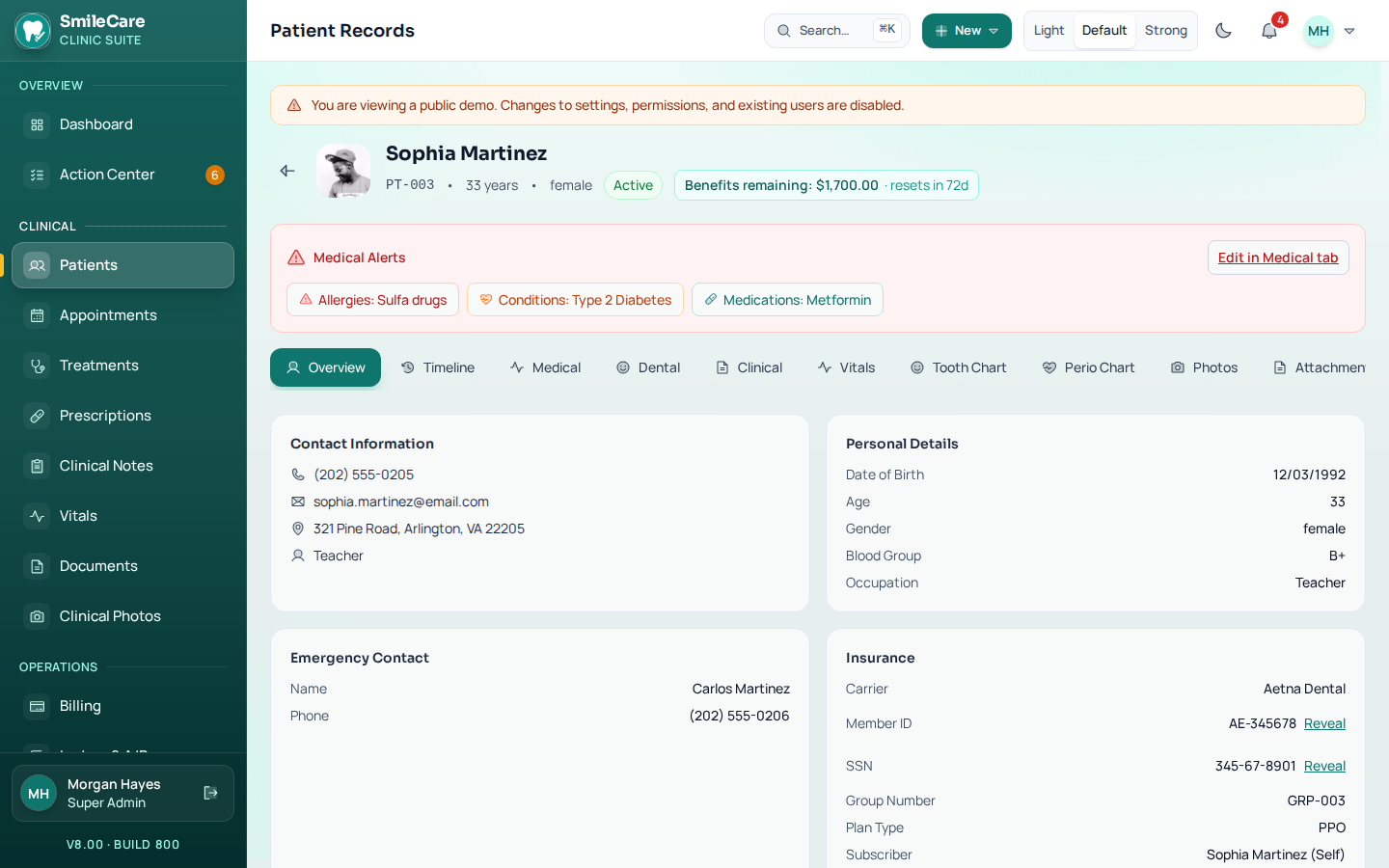
- Member ID and Social Security number masked by default.
- Reveal actions recorded with the user and the time.
- Guardians and minors linked to the patient, with who may consent.
- Carrier, plan type, and remaining benefits held against the patient.
-
Retention, breach register and patient-rights requests
DeliveredA record still inside its retention period cannot be erased outright. The same module carries a breach register and the patient-rights workflow, so access and amendment requests are handled in the software rather than in a spreadsheet.
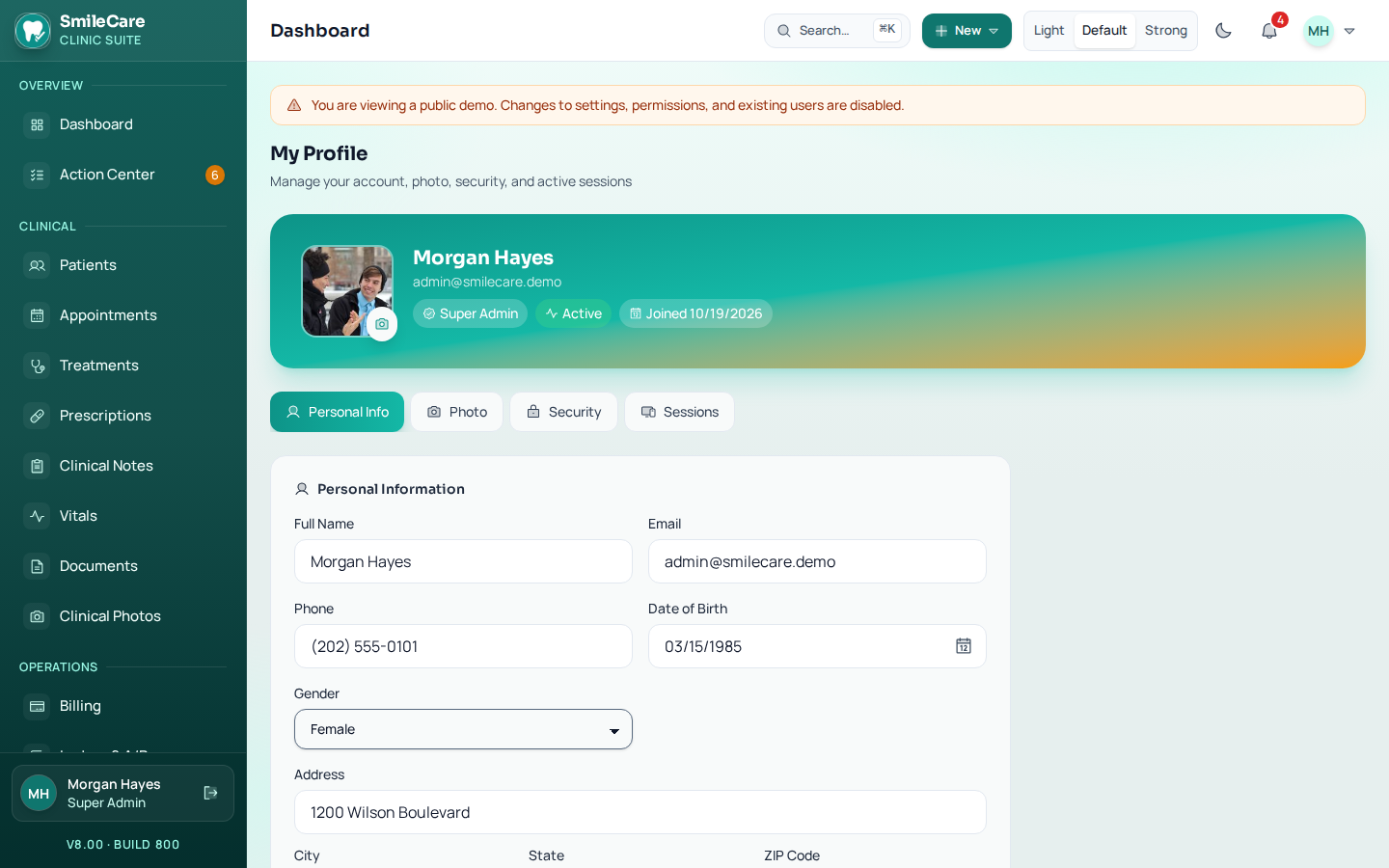
- Records inside their retention period cannot be erased outright.
- A breach register for suspected and confirmed incidents.
- Patient-rights requests: access, amendment, an accounting of disclosures, and restrictions.
- Every request and its outcome written to the audit trail.
-
Versioned consents with an e-signature trail
DeliveredEach consent is versioned, so the version on the record is the version the patient actually signed — not the one in force today. The Notice of Privacy Practices is stored against the acknowledgement captured during intake.
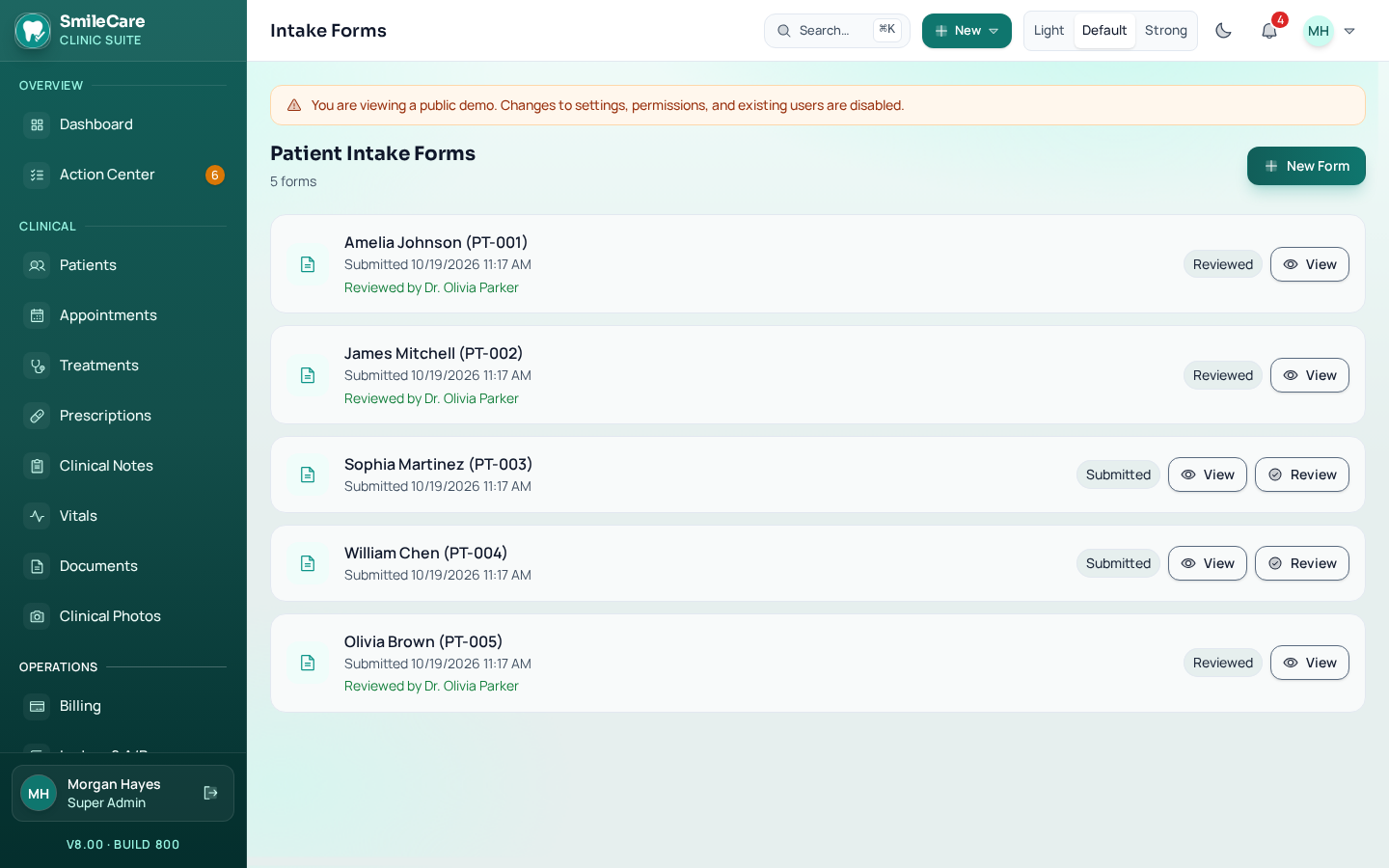
- Versioned consents with an e-signature trail on every acknowledgement.
- Notice of Privacy Practices stored with the version the patient acknowledged.
- Digital intake forms capture history, alerts, and consent before the visit.
- Acknowledgements timestamped against the patient record.
-
Consent-aware appointment and marketing messages
DeliveredAppointment messages and marketing messages are separate streams, so a patient who opts out of campaigns still receives their reminders. Every send respects consent, quiet hours, and STOP.
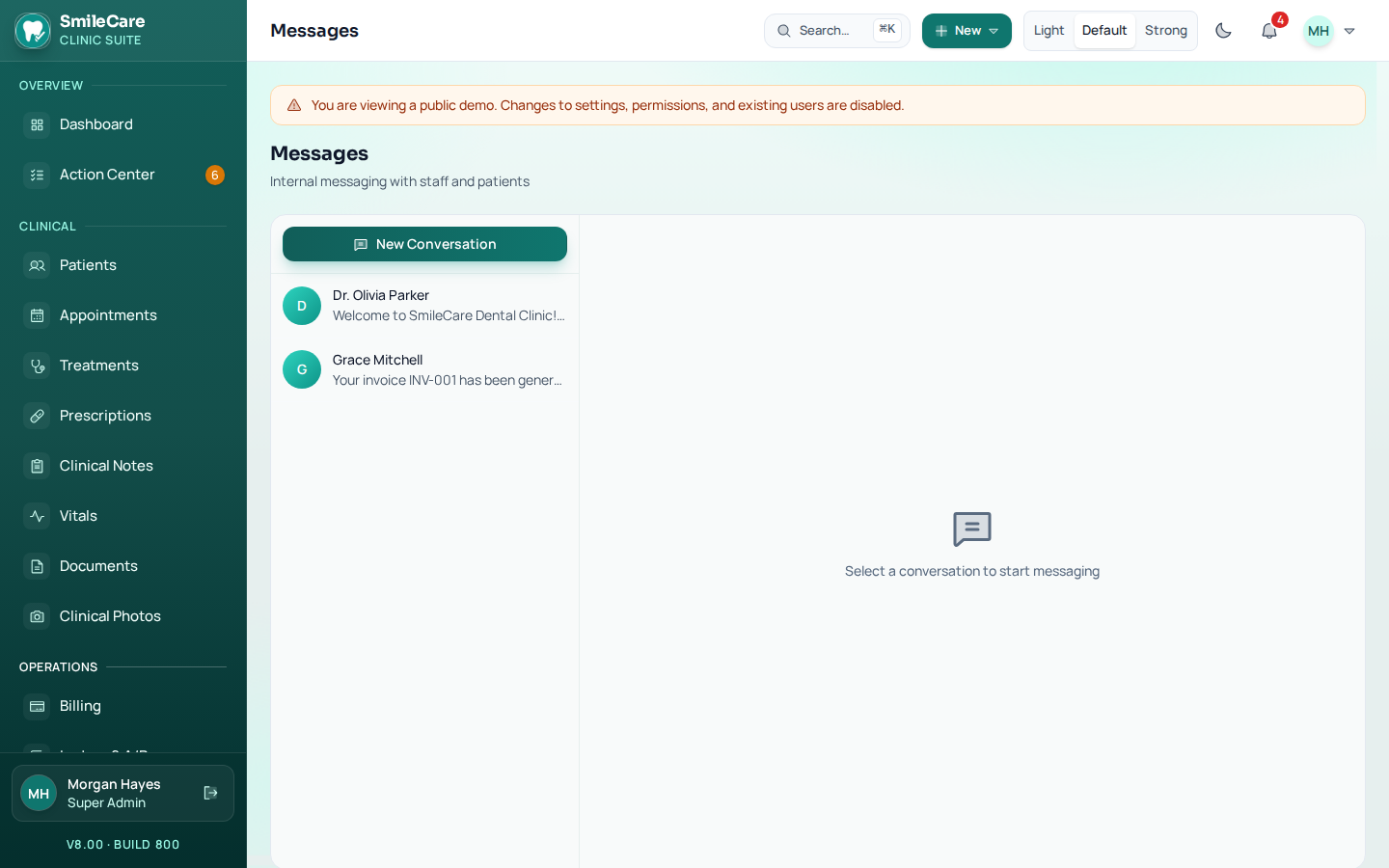
- Appointment messages separated from marketing messages.
- Sends respect consent, quiet hours, and STOP.
- A withdrawn consent stops the messages.
- Recall runs for hygiene and for patients who have gone quiet.
-
Vendor and Business Associate Agreement tracking
DeliveredA vendor list tracks whether a Business Associate Agreement is signed, and a vendor connection stays off until that agreement is marked signed. The software records the status — signing the agreement is still the clinic's job.
- Vendor list with the BAA status on each entry.
- A vendor connection stays off until the agreement is marked signed.
- Status visible to the people who own compliance, not buried in a doc.
- Missing or unsigned agreements surface as work to complete.
-
Tooth, surface and place of service on every claim
DeliveredTooth and surface are recorded on the procedure itself, and place of service travels with the claim line — office, clinic, hospital, skilled nursing, home, or telehealth. That is the detail a carrier reads first.
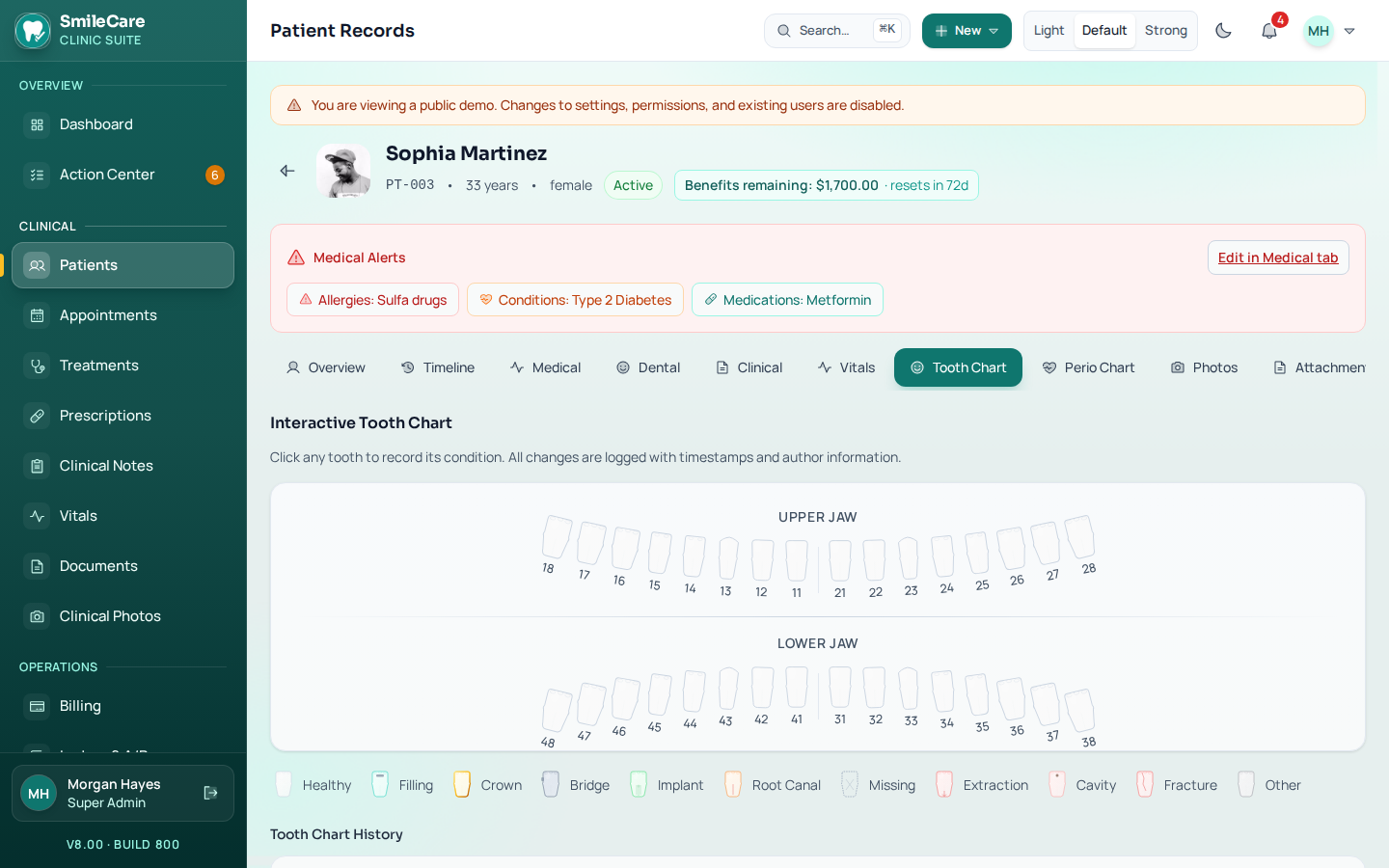
- Tooth and surface captured on the procedure, not typed onto the claim later.
- Place of service on a dental claim: office, clinic, hospital, skilled nursing, home, or telehealth.
- Periodontal charting carried into the record and onto the claim.
- Procedure codes the clinic enters. Official CDT descriptor text is copyrighted, so embedding the ADA wording needs an ADA license, which is not included.
Claim and estimate documents
Beyond the superbill, the clinic can prepare the files a carrier reads and the estimate a self-pay patient signs.
-
837D claim file and 835 remittance posting
DeliveredThe 837D claim file is built from the same procedure lines as the superbill, and a check before submission looks for the details carriers reject files over. An 835 file can be read back so payments and adjustments post to the account instead of being keyed in.
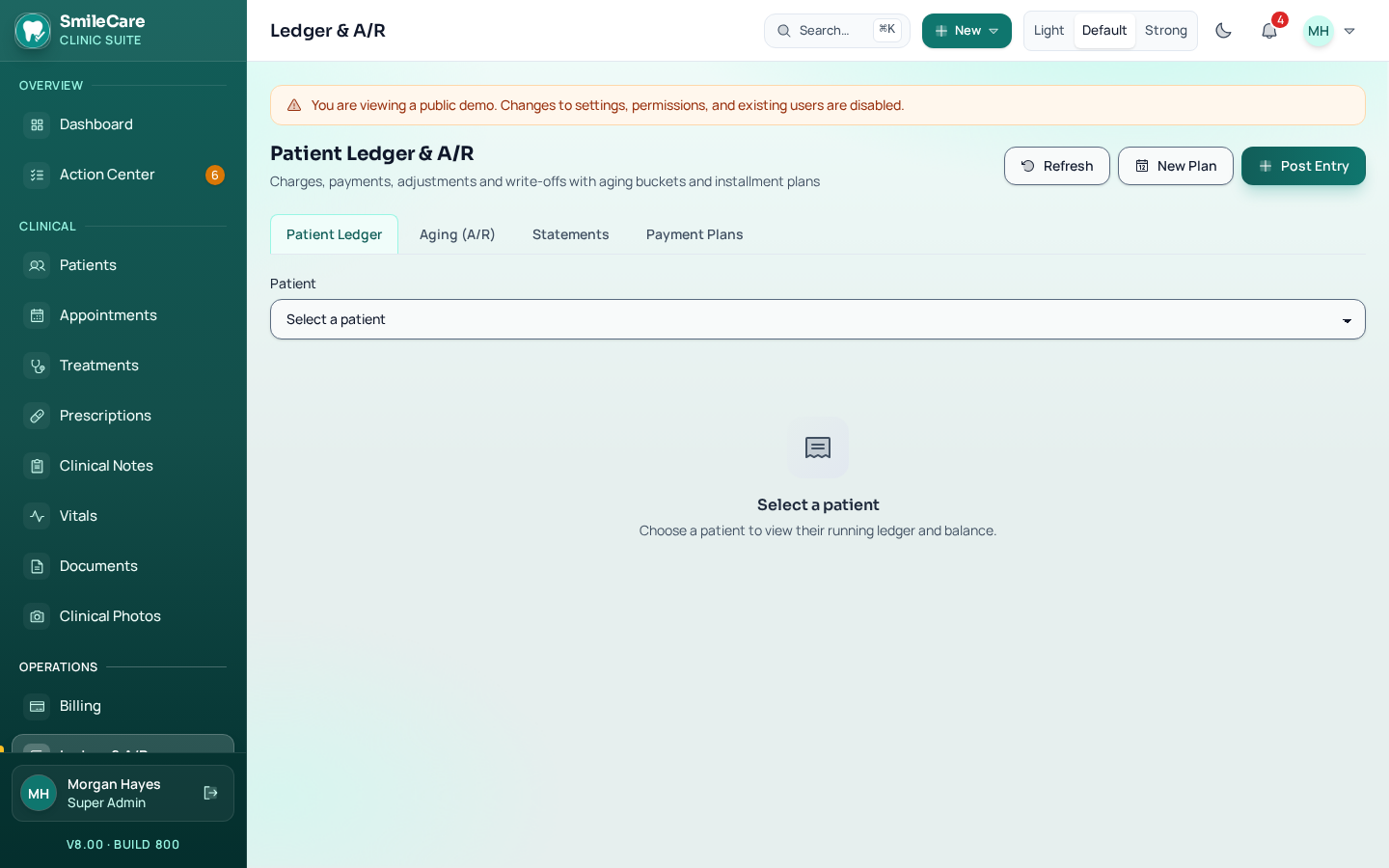
- 837D claim file built from the procedure lines.
- Pre-submission check for a missing NPI, member number, tooth, or surface.
- 835 remittance posting, so payments and adjustments post to the account.
- Denials and underpayments become follow-up work rather than a mystery balance.
-
Good Faith Estimates and dated eligibility snapshots
DeliveredFor uninsured and self-pay patients, SmileCare produces a Good Faith Estimate itemized by procedure code. For insured patients, an eligibility check is saved as a dated snapshot, so the benefits figure on the chart can always be traced back to when it was verified.
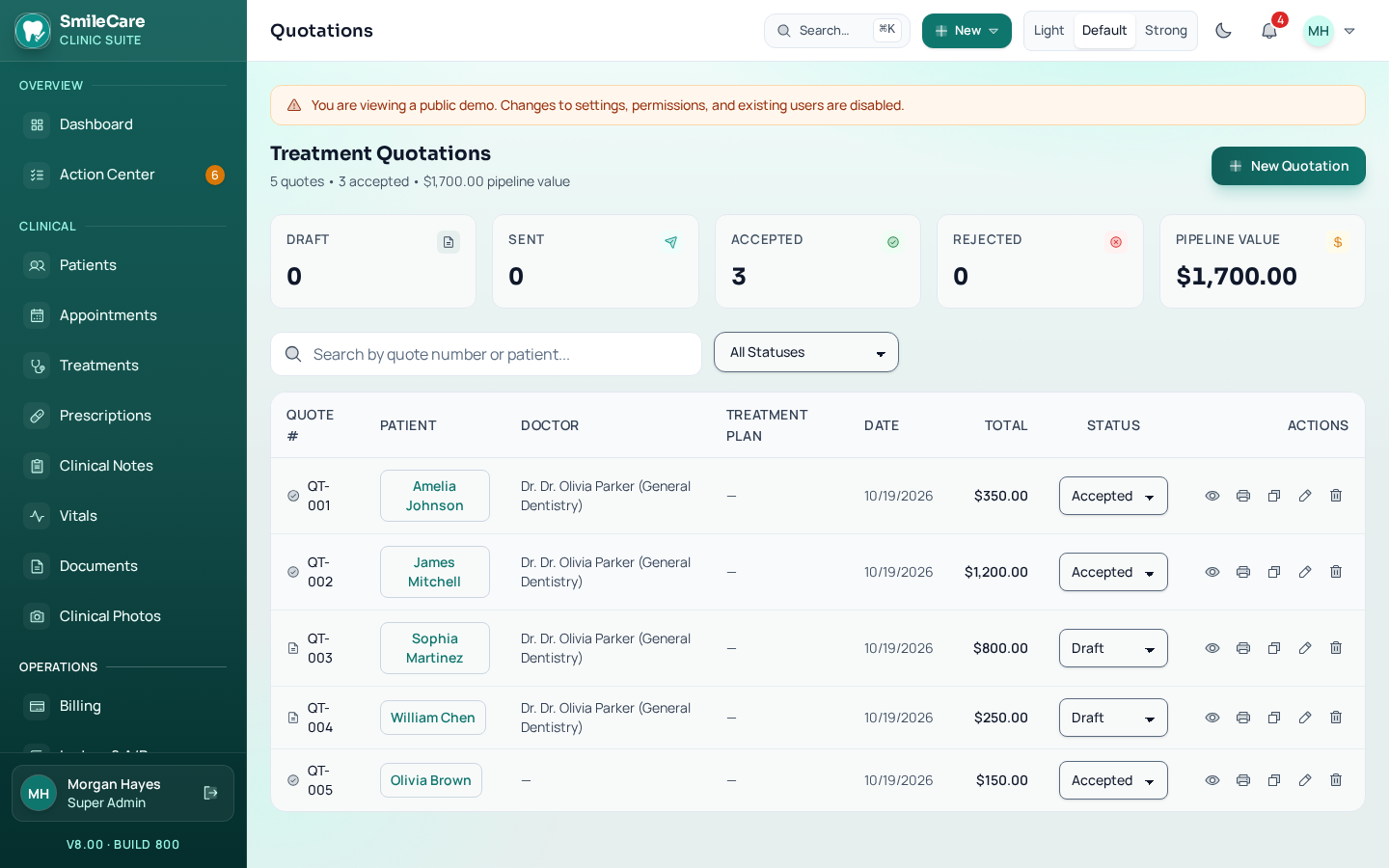
- Good Faith Estimate for uninsured and self-pay patients, itemized by procedure code.
- Produced for a visit scheduled at least three business days ahead.
- Eligibility check saved as a dated snapshot on the chart.
- Treatment quotation carrying the plan, the insurance estimate, and the patient's share.
Note on scope. SmileCare is not a certified HIPAA product. A signed Business Associate Agreement, a Notice of Privacy Practices reviewed for the clinic, and an attorney's review are still the clinic's to complete. Eligibility checks and claim files go through a clearinghouse adapter, and the adapter in the product today is a sandbox — the clinic can prepare a claim without a live payer connection, but sending it to Cigna, Aetna, or another plan needs a signed clearinghouse agreement. There is no digital x-ray sensor bridge, and prescriptions are printed in the clinic rather than sent to a pharmacy.