Phone tag and manual booking
Every call, reschedule and confirmation becomes another task the front desk has to remember.
Appointment book, operatory view, online self-scheduling, recalls and reminders in one browser-based workflow. Your front desk sees the same schedule as the clinical team.
Last reviewed: November 2026
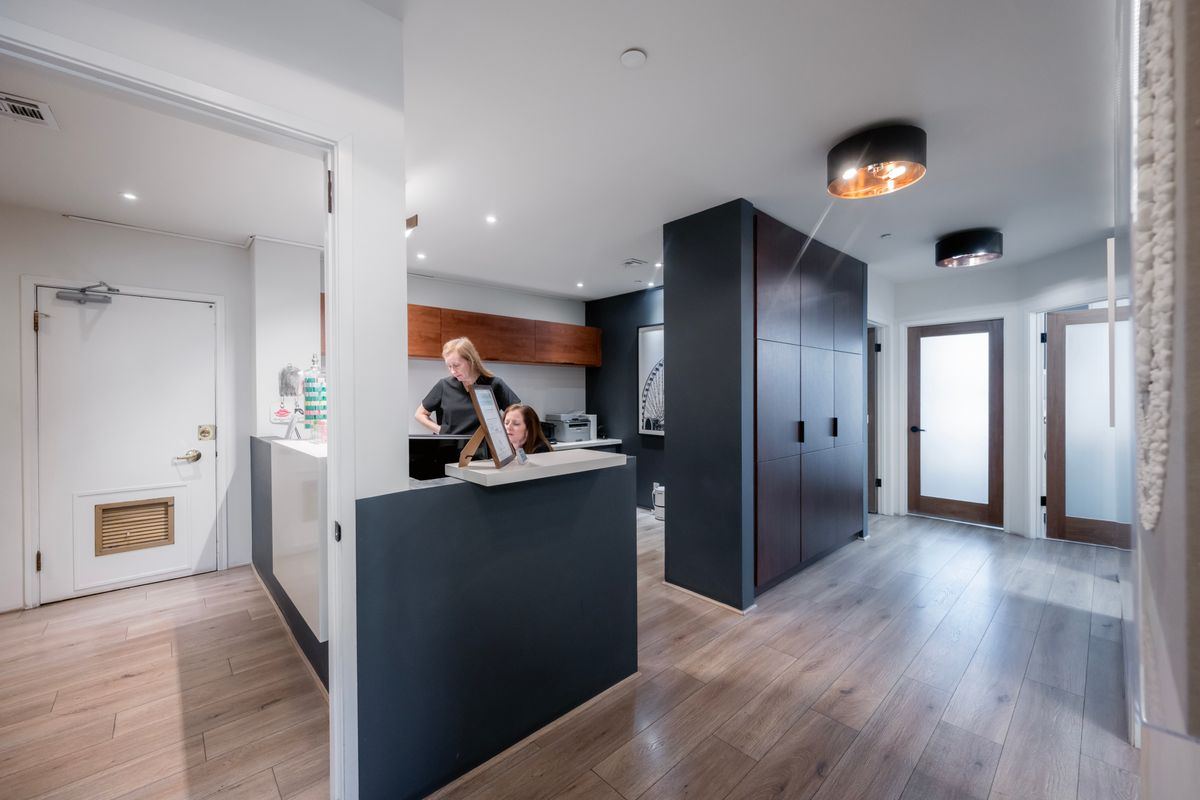
Every call, reschedule and confirmation becomes another task the front desk has to remember.
A booking that ignores the operatory or provider creates a day-of scramble.
If recalls and the appointment book do not talk, recall revenue quietly leaks.
See the practice at a glance, then drill into a provider, operatory or patient.
Book against the room as well as the provider to avoid collisions.
Set recurring visits for hygiene, orthodontic adjustments and follow-up care.
Keep a waiting list ready and block time for procedures, huddles or admin.
Patients book from the portal using the availability your team controls.
SMS/WhatsApp via Twilio and email via SMTP, with two-way replies and Y/N confirmations.
Configure providers, operatories, hours and appointment types once.
The team books in the practice view; patients can self-schedule and confirm by reply.
When a gap opens, the waiting list and recall tools help the front desk fill it.
Invoices, payments, claims and A/R in one record.
Reminders, confirmations, recall and a waiting list.
Plans, eligibility snapshots and pre-visit checks.
Move records, appointments and billing with less downtime.
Start a 30-day free trial, or book a live walkthrough with our team. No credit card required.