30 Days FREE Trial  ·  No credit card required  ·  Free onboarding & data migration included
Dental software migration

Dental software migration without the downtime

We move patient records, appointments, treatment history and core billing data during onboarding — with a full backup of your source system kept on your side.

Last reviewed: November 2026
30-day free trialNo credit cardFree data migration
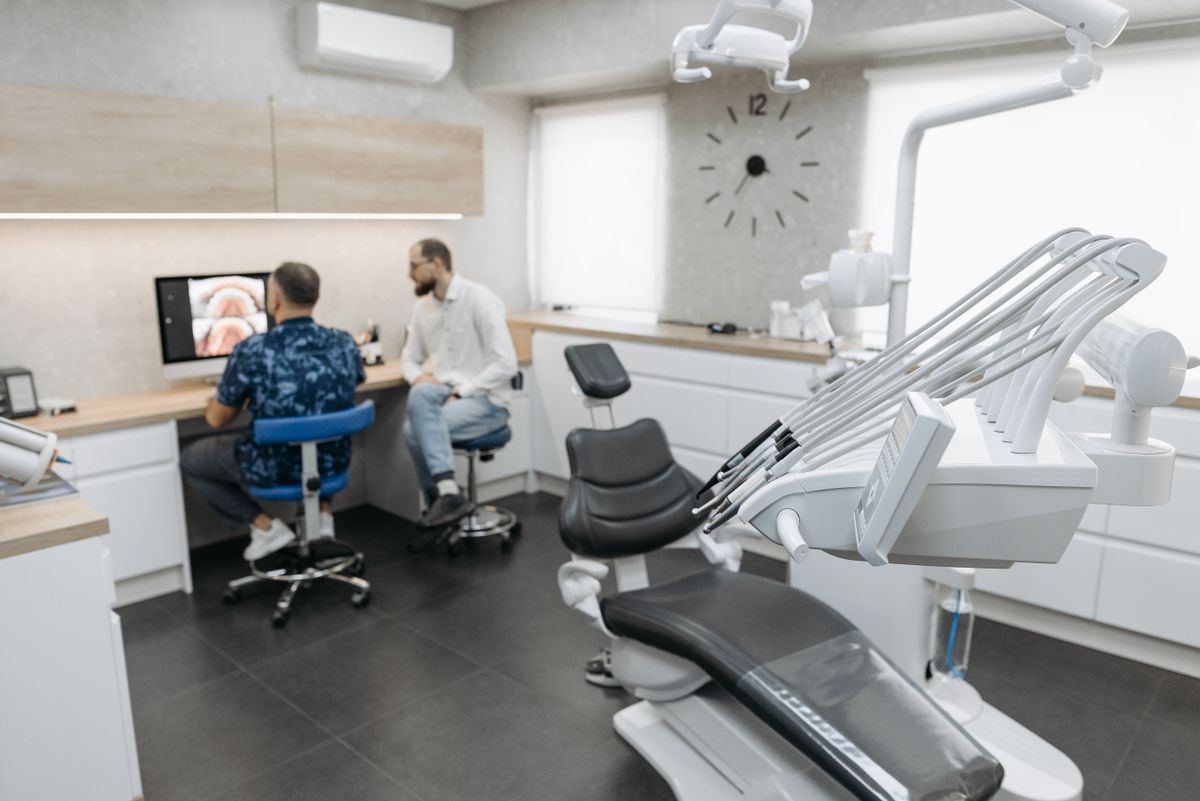
Two dental professionals reviewing data at a computer
What makes migration feel risky

The fear is usually about the cutover, not the software

Records scattered across systems

Patient history, documents and billing often live in more than one place.

Clinic downtime

A long cutover means empty chairs and a front desk working around the system.

Staff learning under pressure

A new platform is harder when the team has not seen its own data in it.

What SmileCare migration covers

A guided move, not a file dump

Patient records

Demographics, contact details, medical alerts, insurance and clinical history.

Appointments

Upcoming bookings and core appointment history for continuity.

Treatment history

Treatment plans, completed procedures and supporting notes where available.

Billing data

Balances, ledger history and core financial records.

Documents

Scanned documents and images that belong with the patient record.

Onboarding

A guided walkthrough for the front desk and clinical team before go-live.

How it works

Back up, map, validate, go live

1

Back up the source

Take a complete export of the existing system and keep it on your side.

2

Map and migrate

We map the fields that matter and move the data into your SmileCare deployment.

3

Validate and train

Your team reviews its own records, completes onboarding and goes live with support.

What to plan for

  • The exact migration scope depends on the source system and data quality; it is confirmed during onboarding.
  • Keep the source system backup available for reference after cutover.
  • A 30-day free trial and free onboarding are included; no credit card is required to start.
FAQ

Common questions

Is data migration really included?
Yes. Migration of patient records, appointments, treatment history and core billing data is included during onboarding. The exact scope is confirmed after reviewing your source system.
Will we lose data during the move?
The process starts with a full backup/export of your source system. We map and validate the data before go-live; your team keeps the source backup for reference.
How long does migration take?
Timing depends on data quality, the source system and how much history you want to bring across. Most clinics complete onboarding in days rather than months.
Can we keep using our old system during the transition?
You can keep the source system available for reference while the new deployment is validated. The goal is a clean cutover, not a permanent dual-running workflow.

Ready to see SmileCare with your own data?

Start a 30-day free trial, or book a live walkthrough with our team. No credit card required.